How it works
Three steps from a blank list to businesses you can contact.
Search
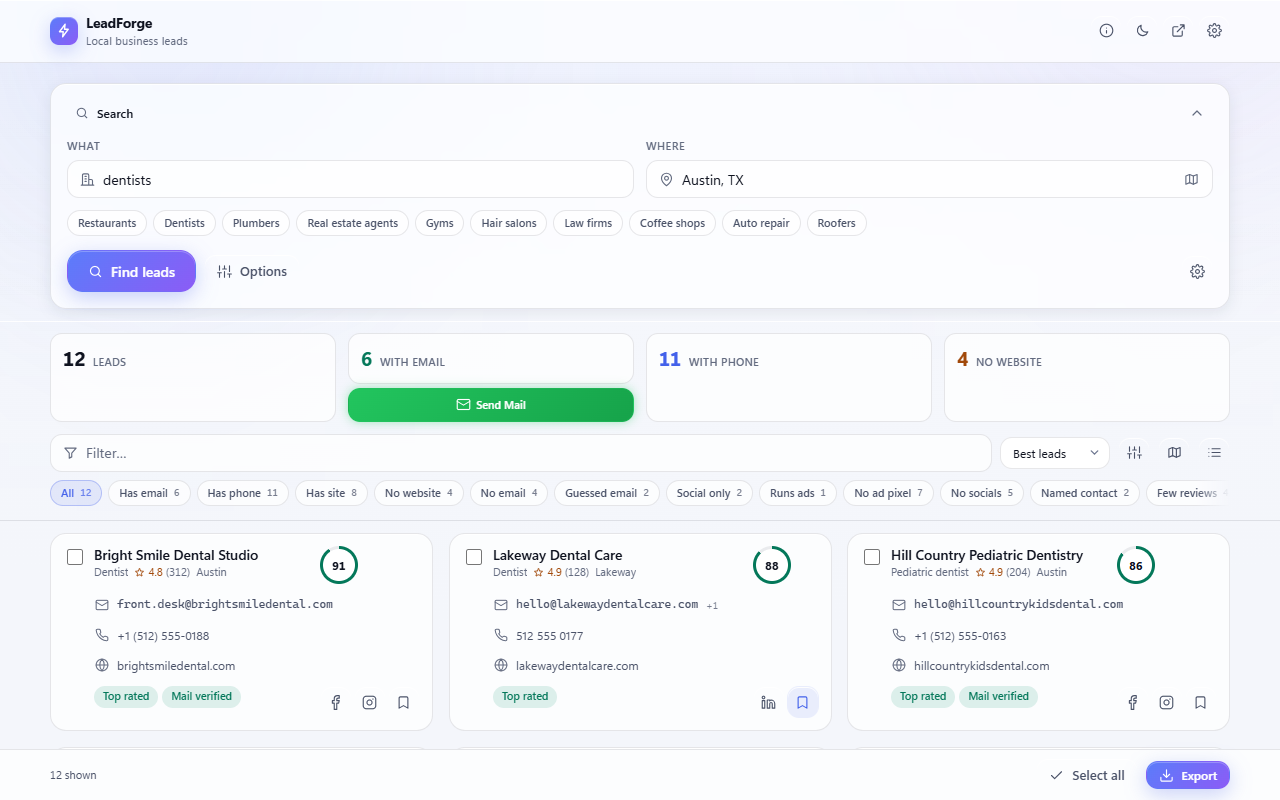
Type a business type and a place — "dentists in Austin", "gyms in Anna Nagar, Chennai" — and press Find leads.
Review
Every business gets a score, with the phone, email, website and social profiles it publishes on its own pages.
Reach out
Export to Excel, CSV or your CRM — or call, WhatsApp and email straight from a lead.
What it does
A lead finder, email extractor and outreach tool in one side panel. Everything runs inside the extension: there is nothing to sign up for and nothing is sent to us.
Search by place
Search a town, several towns at once, or a circle you draw on a map. Results come from Google Maps, Bing Maps, Yellow Pages and OpenStreetMap, merged into one list.
Contact details
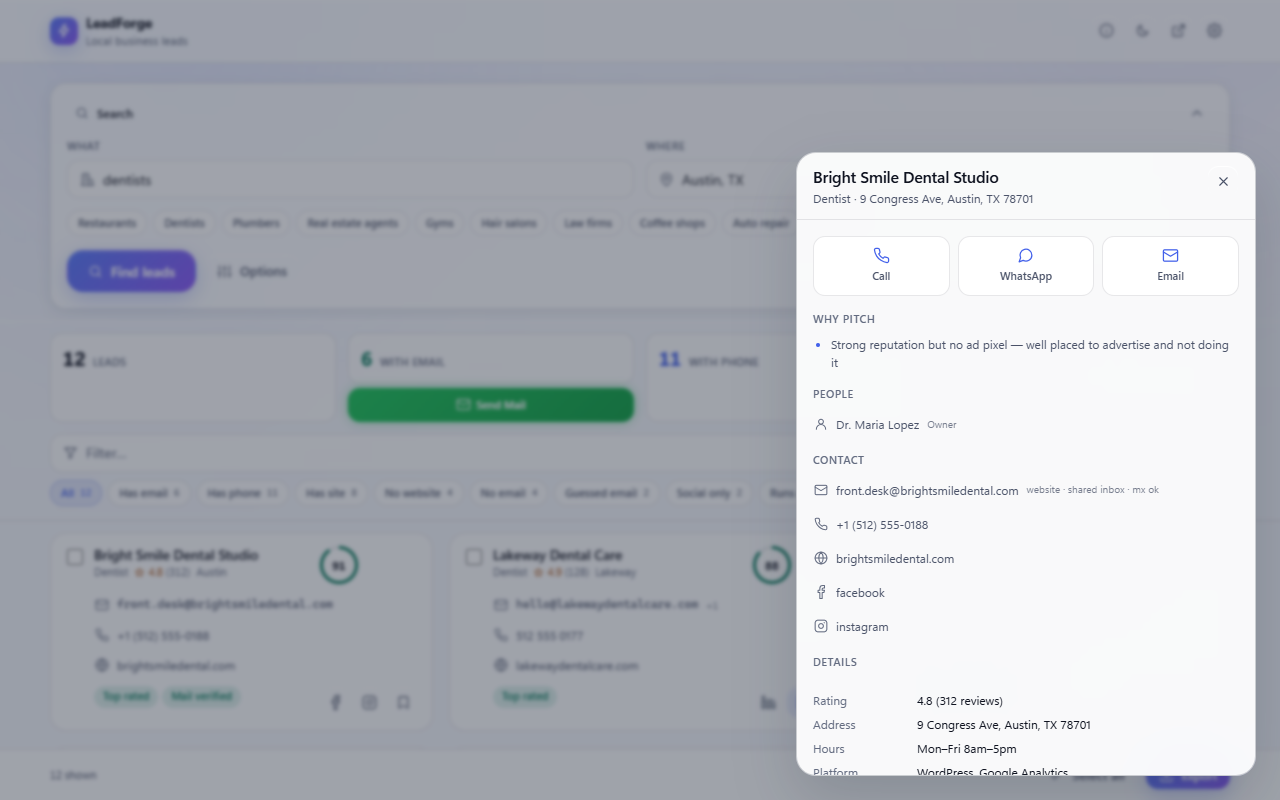
Reads each business's own website for the email, phone and social links it publishes. Guessed addresses are always labelled as guesses.
Scores and reasons
Each lead gets a score and plain reasons it may be worth contacting — no website, an unclaimed listing, few reviews.
Filter and map
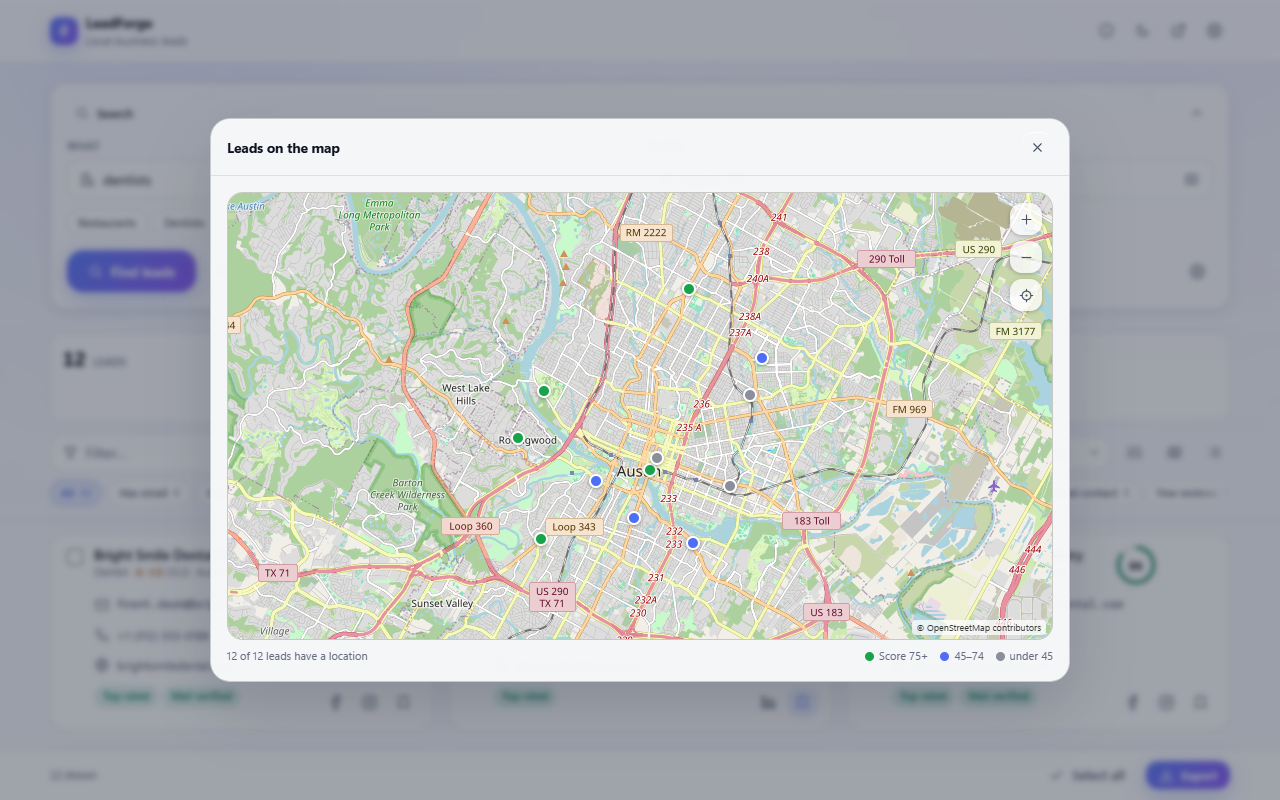
Narrow by rating, reviews, website, email or ads, and see the results as pins on a map.
Export anywhere
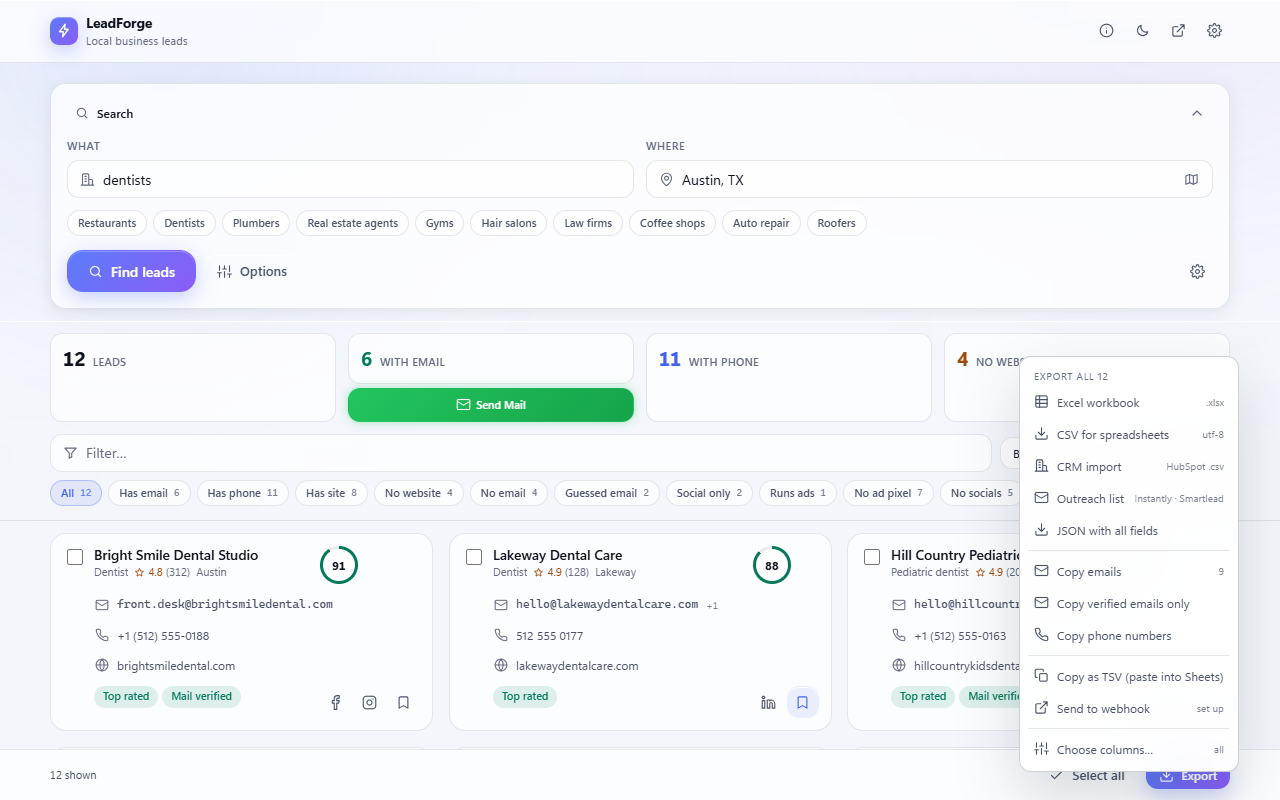
Excel, CSV, a CRM import file, an outreach list, or a webhook that feeds your sheet or CRM as searches finish.
Outreach built in
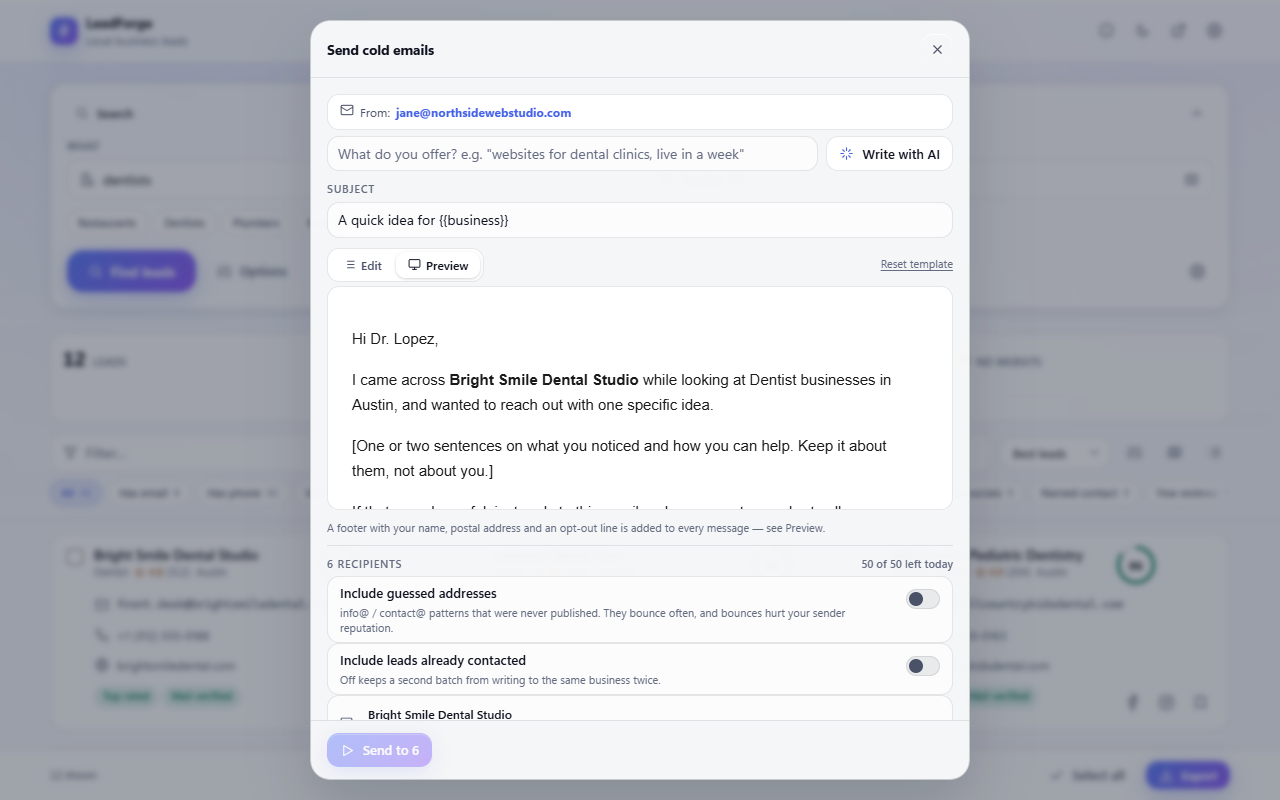
Call, WhatsApp or email from a lead. Send cold email from your own mailbox with a daily limit, and draft it with the AI provider you choose.
Back up and restore
Save every lead and setting to one file and restore it on another computer. Keys and passwords are never put in a backup.
Built-in guide
A three-step welcome, tips for better results and answers to common questions — press ? any time.
Ready for WhatsApp
Local numbers are saved with their country code, so call and WhatsApp buttons work wherever the business is.
Screens
Shown with sample data — the businesses in these pictures are made up.
Use it responsibly
LeadForge reads pages that are publicly visible. The sites it reads have their own terms, and contacting people is regulated — GDPR and PECR in Europe, CAN-SPAM in the US, CASL in Canada, the DPDP Act in India. You are responsible for how you collect and use the data. The privacy policy says exactly what the extension handles and where it goes.